
Ready to Install?
Callisto is available in different versions. Choose your desired version below and follow the install instructions.
Stable
without NVIDIA drivers

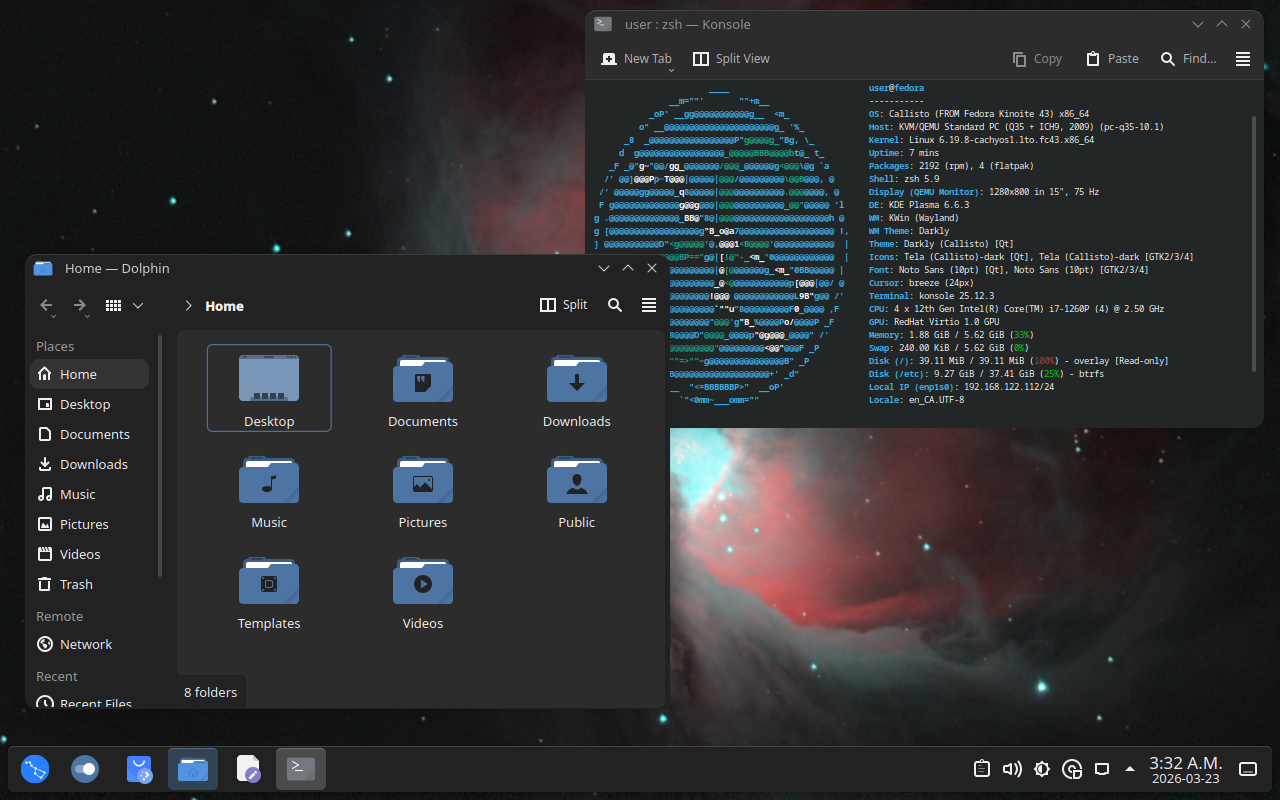
The baseline version of Callisto. This version is based off the current release of Fedora and dependencies are checked for new versions nightly.
Install with rpm-ostree:
- Install any atomic Fedora distribution (Kinoite is recommended).
- Run the following command using the terminal.
rpm-ostree rebase ostree-image-signed:docker://ghcr.io/qkmaxware/callisto:main-base
Install from ISO:
- Install Podman on your current computer.
- Run the following command using the terminal to generate an ISO image file.
sudo podman run --rm --privileged --volume .:/build-container-installer/build ghcr.io/jasonn3/build-container-installer:latest -e IMAGE_REPO=ghcr.io/qkmaxware -e IMAGE_NAME=callisto -e IMAGE_TAG=main-base -e VERSION=43 -e VARIANT=Kinoite -e EXTRA_BOOT_PARAMS=inst.lang=en_CA.UTF-8 -e ISO_NAME=build/callisto.iso
- Install a usb writer such as Rufus, Balena Etcher, or Fedora Media Writer
- Using your usb writer, flash the ISO onto an a USB stick
- Insert the USB stick into your computer and boot into your boot menu (often F12)
- Select your USB stick from the boot menu
- Follow all the steps in the subsequent graphical installer
Unstable
Fedora-44

This version is supported until 2026-04-14.
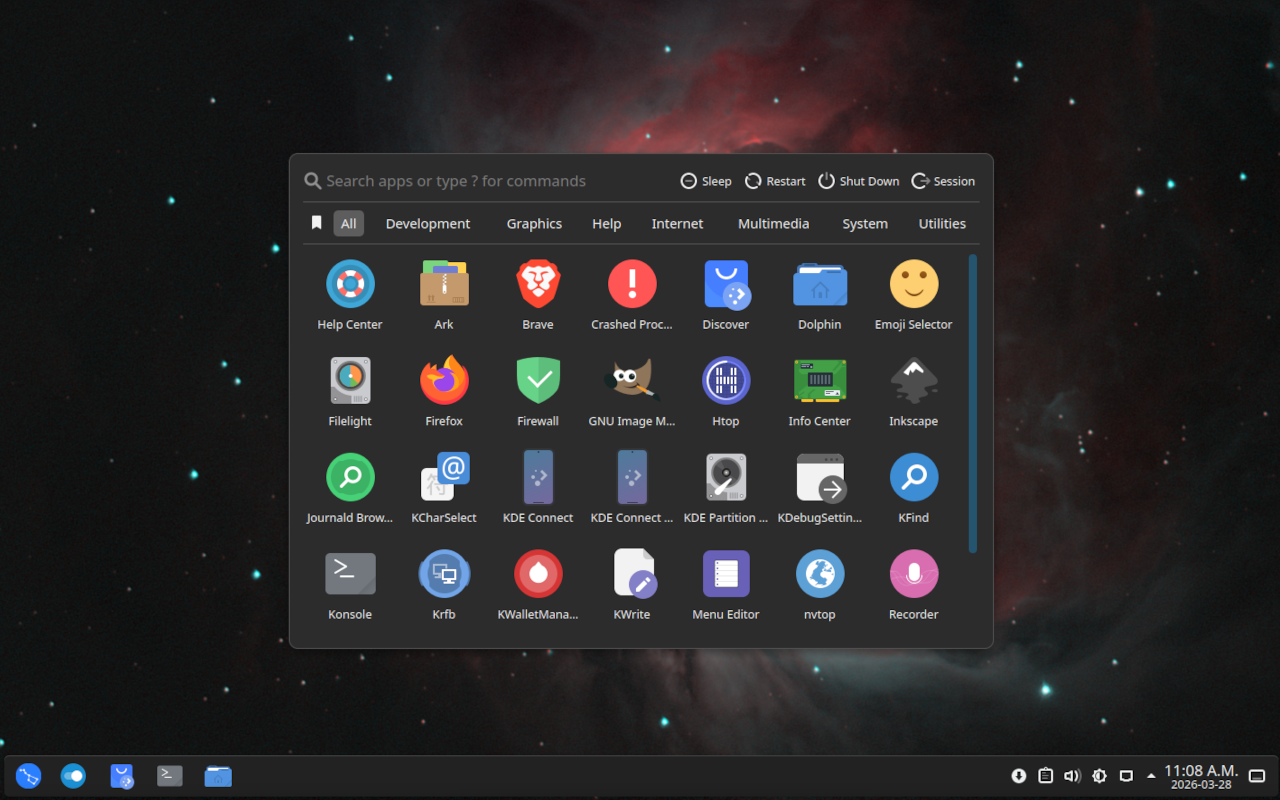
An unstable version of Callisto based off of the upcoming release of Fedora-44
To see download instructions, please confirm that you understand that this version may not receive updates after 2026-04-14.
Install with rpm-ostree:
- Install any atomic Fedora distribution (Kinoite is recommended).
- Run the following command using the terminal.
rpm-ostree rebase ostree-image-signed:docker://ghcr.io/qkmaxware/callisto:dev-fedora-44-base
Install from ISO:
- Install Podman on your current computer.
- Run the following command using the terminal to generate an ISO image file.
sudo podman run --rm --privileged --volume .:/build-container-installer/build ghcr.io/jasonn3/build-container-installer:latest -e IMAGE_REPO=ghcr.io/qkmaxware -e IMAGE_NAME=callisto -e IMAGE_TAG=dev-fedora-44-base -e VERSION=43 -e VARIANT=Kinoite -e EXTRA_BOOT_PARAMS=inst.lang=en_CA.UTF-8 -e ISO_NAME=build/callisto.iso
- Install a usb writer such as Rufus, Balena Etcher, or Fedora Media Writer
- Using your usb writer, flash the ISO onto an a USB stick
- Insert the USB stick into your computer and boot into your boot menu (often F12)
- Select your USB stick from the boot menu
- Follow all the steps in the subsequent graphical installer